
Quick Answer
If your washing machine is not spinning, first check whether water is still in the drum and note exactly when the spin problem occurs. A washer that never starts spinning, starts and then stops, spins slowly, or leaves the cycle unfinished can need different checks.
Start with the cycle and spin speed setting, then check the load and whether the door or lid is visibly closed. If water remains, use the drain troubleshooting path. If the drum is empty but the clothes are very wet, check the selected cycle, spin speed, and load balance. Follow your model’s manual for error codes and cycle behavior.
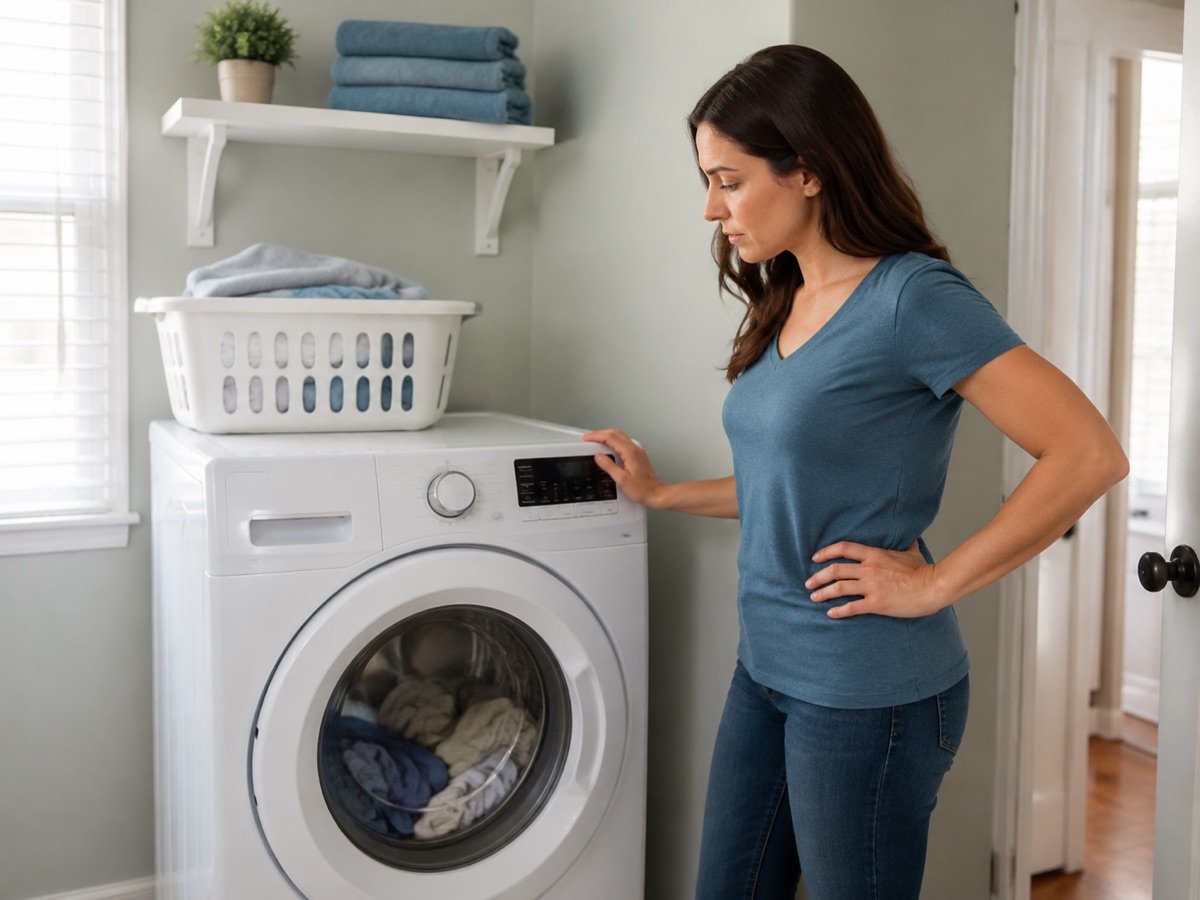
Quick Diagnosis
Use the symptom that best matches what you can see:
Water is still in the drum
Treat this first as a drain-stage problem. Follow the drain-specific path instead of treating it as a simple spin failure.
The washer never starts spinning
Check the cycle, spin setting, visible door/lid status, and any displayed error.
It starts spinning, then stops
Redistribute the load and check for a bulky or single-item load. Also check whether the washer is visibly rocking.
It spins, but more slowly than usual
Check the selected cycle, spin speed, load balance, and the model’s instructions for suds or imbalance alerts.
The cycle does not finish or an error appears
Record the exact code and use the model manual before trying another cycle.
The drum is empty, but clothes are very wet
Check the cycle, spin speed, and load. This is a separate wet-clothes troubleshooting path.
What to Check First

Work through these checks in order. They identify the next safe action, not an internal part.
- Check for water. Look through the door or lid area without forcing anything open. If water is visibly standing in the drum, stop treating the symptom as a simple spin failure and follow the drain-specific guide. Do not reach into a moving or locked washer.
- Check the cycle and spin speed. Delicate, hand-wash, and other fabric-protective cycles may use a lower speed or include a pause. Confirm that the selected cycle includes the operation you expect and that the setting suits the load. Use the exact model manual when the controls are unclear.
- Check the load. Pause only according to the manufacturer’s instructions, then look for a single heavy item, a bundled blanket or towel, or clothes gathered on one side. Remove a few items or spread the load evenly if the manual permits it.
- Check the door or lid status. Make sure it is visibly closed and that the normal lock or lid indicator behaves as described for your model. Clear only an obvious item preventing closure. Do not force the door, bypass a lock, or remove a panel.
- If it repeats, stop testing and arrange service. Note the model, cycle, load type, error code, and when the spin fails so a technician can start with useful information.
If the Washer Never Starts Spinning
First check whether the washer is still in a pause or soak period or never moves into the spin cycle. Some cycles include pauses or soaking periods. Check the display, timer behavior, and cycle description before assuming the drum should already be at full speed.
Next, check for standing water. A washer may not proceed to spin when the expected drain stage has not completed. If water remains, do not expand this article into a pump or filter repair guide; use Why Is My Washing Machine Not Draining? for that branch.
If there is no visible water, confirm the cycle and spin setting, then check whether the door or lid is visibly closed. The door or lid needs to be fully closed; on models with a lock indicator, it should show that it has locked normally. Lock timing and approved restart steps vary by model, so use the owner’s manual rather than forcing the mechanism.
If the same suitable cycle still never spins, especially with an error, stop before investigating internal parts and arrange service.
If It Starts Spinning but Stops
A short attempt followed by a stop often calls for a load check before a parts diagnosis. Heavy towels, bedding, bath mats, blankets, or one large absorbent item can collect on one side, causing the washer to slow or stop while correcting the imbalance.
Pause and redistribute the load only in the way your manual allows. If the load is too large, remove some items. If it is one bulky item, follow the manufacturer’s advice for that type of load rather than adding random items or repeatedly restarting the machine.
Also observe the appliance itself. Stop testing if the washer rocks violently, bangs repeatedly, or walks across the floor. A visibly unstable washer may need manual-approved leveling, but do not reach behind it or adjust it while running.
If a balanced, reasonable load still starts and stops across multiple cycles, record the pattern and arrange service.
If It Spins More Slowly Than Usual
Slow spinning does not always mean the washer has failed. Check whether the cycle is designed for a lower speed and whether the control is set to low, no spin, or another fabric-protective option. Compare the setting with the care label and the model manual.
Then check the load. A bulky item, a very small uneven load, or clothes clumped to one side can prevent the washer from reaching its normal speed. Some models also reduce or interrupt spin when they detect imbalance or excessive suds. Follow only the checks and detergent guidance provided for your model; do not infer an internal fault from speed alone.
If the load and setting are appropriate but the washer repeatedly cannot reach its usual speed, or the cycle becomes unusually long, treat that as a service clue. Keep the symptoms and any code rather than opening the appliance or entering diagnostic mode.
If the Cycle Does Not Finish or Shows an Error
Write down the exact error code before turning the washer off. Similar-looking codes can mean different things between brands and even between models. Use the model’s manual or manufacturer support page, and follow its initial troubleshooting steps.
The most useful observations are whether water remains, whether the door or lid indicator changes, whether the load is bulky or uneven, and whether the washer tries to spin before stopping. These distinguish a drain issue, imbalance, door or lid problem, or model-specific fault.
Do not use service mode, bypass a lock, disconnect wiring, or remove a panel to clear an error. If the manual’s approved checks do not resolve the problem, arrange service.
When to Stop and Arrange Service
Stop using the washer and arrange service if you notice:
- a burning smell, smoke, sparks, or another electrical concern;
- a leak or water escaping where it should not;
- violent movement, repeated banging, or the washer walking across the floor;
- a door or lid that will not operate as the manual describes;
- the same spin failure returning after the load, setting, and visible checks;
- an error that returns after the steps your manual allows.
Do not continue running test cycles to identify an internal part failure. Internal diagnosis requires the right model information and technical safeguards.
How to Prevent Repeat Spin Problems
Use loads that fit the washer’s instructions, especially for blankets, towels, and other bulky items. Avoid packing the drum tightly or washing a single heavy item when the manual warns against it.
Choose a cycle and spin speed that match the fabric and the load. Measure detergent as directed and use the required detergent type for your model. Keep the washer stable and follow the manual’s care guidance rather than relying on a universal reset or a generic service-mode sequence.
If a problem returns, record the load, cycle, spin setting, remaining water, display code, and stopping point. That is more useful than repeatedly rerunning the same cycle.
Related Guides
- Why Is My Washing Machine Not Draining? — use this when water remains in the drum or the drain stage fails.
- Why Are My Clothes Soaking Wet After Washing? — use this when the drum is empty but the clothes are still excessively wet.
- Laundry troubleshooting guides — browse the published Laundry problem-solving guides.